



Midweek services often serve people who want deeper connection but cannot make every Sunday gathering. They may include Bible studies, prayer meetings, youth programs, recovery groups, or small-group gatherings. The challenge is not always the ministry itself. Often, people simply do not know when it meets, what to expect, or whether it is still happening.
A clear digital communication plan can make a midweek ministry easier to remember and easier to join. The goal is not to send more messages. It is to give people the right details, in the right place, often enough that attending feels simple.
Start with one reliable source of truth
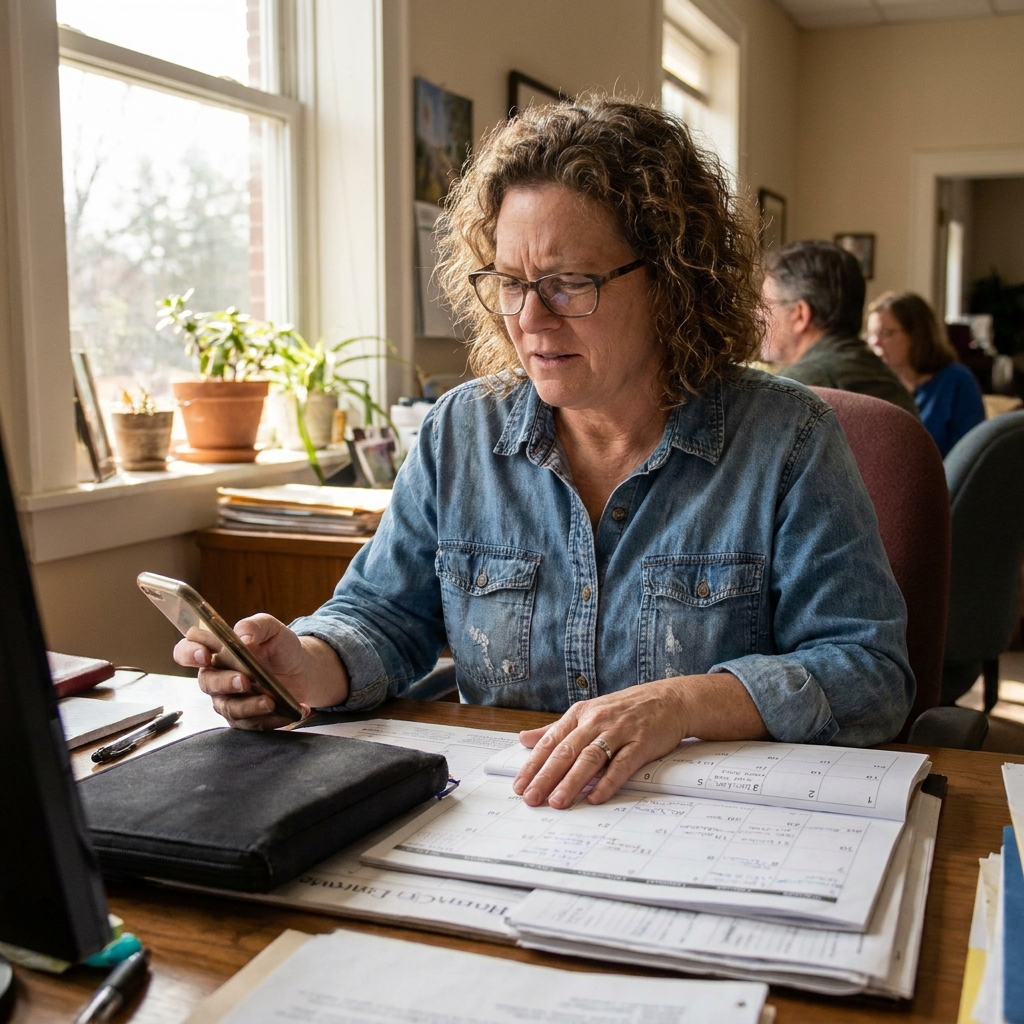
Before choosing channels, decide where the most accurate information lives. For most churches, that should be a dedicated page on the church website. It should include the meeting name, day, start and end time, location, age group, childcare details, registration requirements, parking instructions, and a contact method.
This page should answer the questions a person may ask before committing: Is this for me? Can I come this week? Do I need to register? What happens when I arrive? A well-organized church event calendar can support the page, but the recurring ministry still needs a stable home with complete context.
Assign one person to review the page every week. A short review can catch canceled meetings, outdated childcare notes, seasonal schedule changes, and broken registration links before they create confusion.
Build a weekly communication rhythm
People remember recurring activities when the reminder follows a predictable pattern. Pick a primary weekly update time, such as Monday afternoon or Tuesday morning, and use it consistently. The message can be brief, but it should include the date, time, location, audience, and one reason to attend.
A useful reminder might say what the group will study, what question it will explore, or what practical need it meets. “Midweek Bible study meets Wednesday at 6:30 PM in Room 204. This week we are discussing how to read a difficult passage with confidence. Childcare is available for children six weeks through fifth grade.”
That message is more useful than “Join us Wednesday.” It gives people enough information to decide without forcing them to search through an old announcement.

Match each message to the channel
Different channels serve different jobs. The website provides complete information. Email gives people a dependable reminder they can search later. Text messages work well for short, time-sensitive prompts. Social media can create awareness and show the spirit of the ministry, but it should not be the only place where details appear.
Churches often make communication harder by copying the same long announcement into every channel. A better approach is to adapt the message. Link from email to the full website page. Use a short text reminder for people who already participate. Use social media for a photo, a personal invitation, or a short explanation of who the gathering serves.
For broader planning, a church communications plan can define who owns each channel, how far in advance reminders go out, and what happens when a meeting changes.
Make changes visible and specific
Midweek ministries are especially vulnerable to schedule changes because they often share space with other activities. A canceled meeting, altered room, or holiday schedule should be communicated in at least two places: the main website page and the channel people use most often.
Do not hide changes in a general newsletter where they may be missed. Put the change in the headline or first sentence. State what is different, what people should do, and when the normal schedule resumes. If the meeting is canceled, update the website before sending the text or email so every message points to the same answer.
After the change, remove outdated posts and update recurring calendar entries. Old information is not harmless. A first-time guest who arrives at a locked building may not try again.
Use reminders to support people, not pressure them
Consistent attendance grows from trust. Reminders should help people plan, not make them feel guilty for missing a week. Keep the tone invitational and explain why the gathering may be useful this week.
Segment messages when possible. A parent may need childcare and arrival details. A volunteer may need a serving reminder. A first-time guest may need parking information and a clear welcome. Sending every person every detail creates noise, while sending no details creates friction.
Email and text tools can help, but the process matters more than the platform. Start with a small list that people knowingly joined, keep it current, and make it easy to change preferences. Good church email practices make recurring communication more useful without turning every update into a campaign.
Review what people actually use
Once the plan is running, review a few practical signals each month. Which pages receive visits before the meeting? Do people click the reminder link? Are questions coming in about details that should already be on the page? Are volunteers spending time correcting the same outdated information?
These questions reveal communication problems more clearly than follower counts. If many people ask for the room number, move it higher on the page. If people open emails but do not click, make the next step clearer. If social posts receive attention but attendance does not change, confirm that the post links to complete and current information.
A simple review process also protects staff time. Churches do not need a complicated dashboard to improve. They need a short list of recurring questions, a clear owner for updates, and a willingness to fix the source instead of answering the same question one person at a time.
Turn the plan into a shared ministry habit
Digital communication works best when it is treated as part of ministry care. The person updating a web page is helping someone decide whether they can belong. The volunteer sending a reminder may be reducing anxiety for a first-time guest. The leader clarifying childcare details is removing a real barrier.
Document the weekly rhythm in one place. Include the update deadline, message templates, channel owners, approval steps, and emergency process for cancellations. Then review it with the people who lead the ministry, welcome guests, manage the website, and coordinate volunteers.
If your church wants help making its online information clearer and easier to maintain, we can help you build a practical digital communication foundation around the ministries you already offer.