

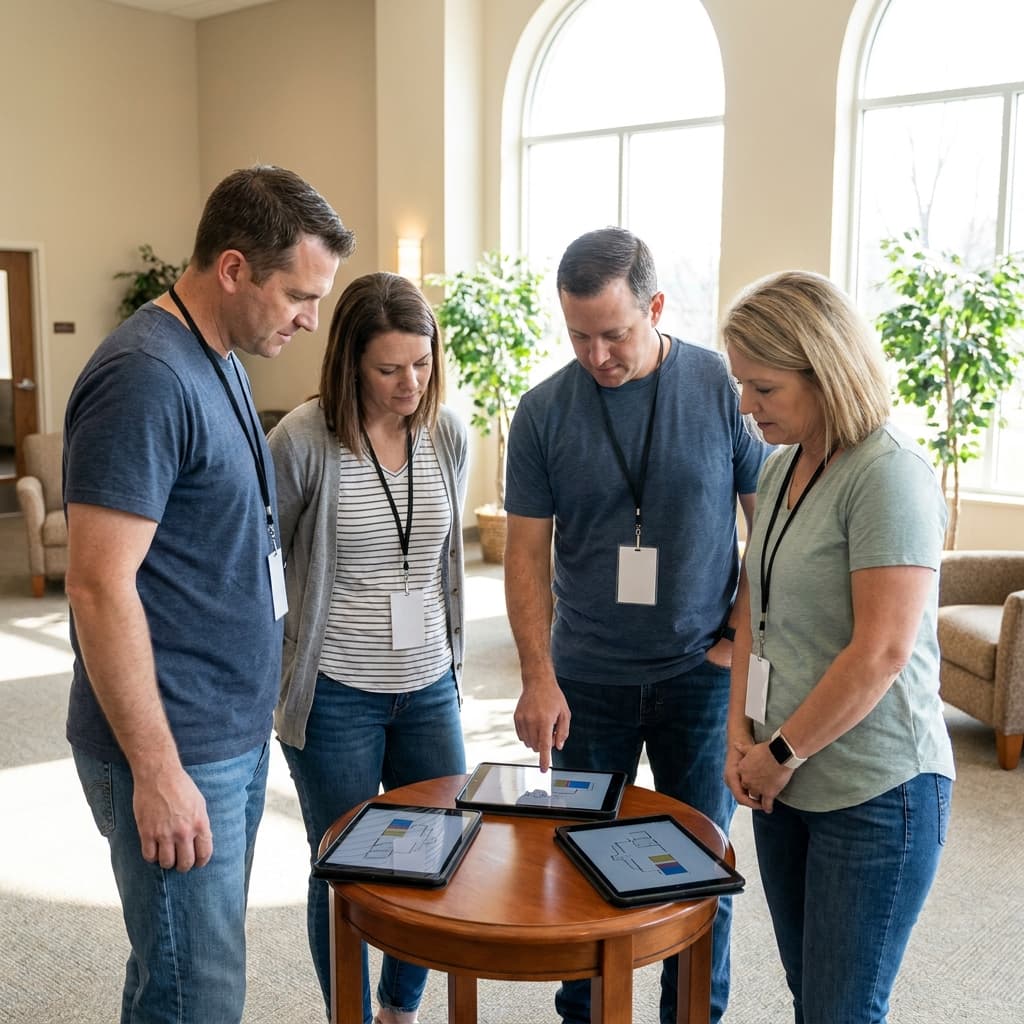
Church security is usually discussed in terms of cameras, radios, locked doors, or emergency plans. Those tools matter, but they do not solve the hardest part of a real Sunday morning problem: helping the right people communicate quickly without creating panic for everyone else.
A good security communication system is not dramatic. It is quiet, clear, and practiced. It gives volunteers a shared way to notice concerns, ask for help, document what happened, and hand off the situation to staff or first responders when needed.
For most churches, the goal is not to build a complicated command center. The goal is to create a simple digital layer that helps greeters, kids ministry volunteers, ushers, pastors, and security team members respond with calm coordination.
Start with the situations your team actually faces
Before choosing an app or writing a policy, define the situations your church needs to handle. Most churches do not need a different system for every possible emergency. They need a small set of shared response categories that volunteers can recognize quickly.
Common categories might include:
- Medical help needed, such as a fall, fainting, allergic reaction, or urgent health concern.
- Child or student concern, such as a custody question, missing child, or parent needed in a classroom.
- Disruptive behavior, such as someone escalating in the lobby, sanctuary, or parking lot.
- Facility issue, such as a blocked entrance, suspicious package, weather problem, or water leak.
- Law enforcement or emergency services needed, when the situation has moved beyond what church volunteers should handle.
The point is not to make volunteers memorize a thick manual. The point is to help them quickly answer, "What kind of help do I need, who should know, and what should happen next?"
This is similar to the way a strong church text messaging strategy avoids vague blasts and gives each message a clear purpose. Security communication needs even more discipline, because confusion can slow down the response.

Create channels for urgency, not noise
The fastest way to make a security channel useless is to let it become a general chat. If every parking update, coffee spill, and schedule question goes into the same thread, people stop treating alerts as important.
Churches usually need a few separate communication paths:
- Immediate response channel: A small group for security, key staff, and the person coordinating Sunday operations.
- Ministry handoff channel: A way for kids, youth, greeters, or ushers to request help without exposing details to people who do not need them.
- General volunteer communication: Normal Sunday logistics, schedule reminders, and non-urgent updates.
- Post-incident documentation: A place to record what happened after the situation is stable.
The immediate response channel should be limited. More people does not always mean more safety. It often means more notifications, more side conversation, and more chances for sensitive information to spread.
Use simple labels for urgency. For example, a team might agree that "Need support" means another trained volunteer should come quietly, while "Call 911" means the situation has crossed a clear threshold. Whatever language you choose, practice it before Sunday. A phrase no one remembers is not a system.
Connect security communication to volunteer roles
Security should not sit off to the side as a mysterious team only a few people understand. Greeters, ushers, kids ministry volunteers, parking volunteers, and staff all see different parts of the building. The communication plan should match those roles.
Greeters may notice someone who seems disoriented or upset before anyone else does. Kids ministry volunteers may need a fast way to contact a parent or staff member. Ushers may be closest to a medical need during worship. Parking volunteers may spot facility or traffic concerns before they reach the doors.
That does not mean every volunteer becomes a security volunteer. It means every volunteer knows how to escalate a concern. The more specific the instruction, the better. "Tell someone if something feels off" is too vague. "Message the response lead in this channel and include your location" is much clearer.
This is where digital systems support volunteer health. The same planning mindset behind volunteer scheduling systems that prevent last-minute scrambles applies here too: people serve better when they know their role, their backup, and the next step.
Protect privacy in every message
Security communication often includes sensitive details. A child, a medical issue, a family conflict, or a visitor in distress should not become gossip because too many people were included in a thread.
Teach the team to share the minimum useful information. A good message might say, "Medical support needed, west lobby, adult guest seated, bring first aid kit." That is much better than a long explanation with names, assumptions, or diagnoses.
As a rule, avoid speculation in written messages. Do not label a person as dangerous, intoxicated, mentally ill, or suspicious unless there is a clear, factual reason to use that language. Describe observable behavior instead. "Guest is yelling near the nursery desk" is more useful and more responsible than guessing at a cause.
After the situation is handled, move details into the correct documentation process. That may be a private incident report, a secure staff note, or a follow-up conversation with leadership. The response chat should not become the permanent record unless it is designed for that purpose and access is controlled.
Choose tools that fit Sunday morning reality
The best tool is the one your team can actually use under pressure. A sophisticated platform does not help if volunteers cannot find the right button when the lobby is full and worship is starting.
For some churches, the right tool may be a secure team messaging app with clearly named channels. For others, it may be a church management system workflow, a volunteer app, or a simple text group for a small trained team. Larger churches may need radios, incident forms, and integrated notification tools.
Look for a few practical features:
- Fast mobile access for Sunday volunteers
- Role-based groups or channels
- Notification controls that make urgent alerts hard to miss
- Easy removal of former volunteers from sensitive channels
- A way to document incidents after the fact
- Simple training materials for new team members
A church app or management platform can help if it already supports the way your team communicates. But do not choose a tool only because it has more features. The broader principles in what to look for in a church app still apply: the tool should make the next step easier for real people, not just look impressive in a demo.

Practice the handoffs before you need them
A communication plan is only useful if the team has practiced it. Walk through common scenarios during volunteer training. Keep the exercises short and realistic.
Try a medical scenario in the sanctuary. Who sends the alert? Who brings supplies? Who clears space? Who meets emergency responders? Who communicates with the pastor if worship is happening?
Try a children's ministry scenario. Who contacts the parent? Who stays with the child? Who verifies pickup permissions? Who records what happened afterward?
Try a disruptive behavior scenario. Who approaches? Who observes from a distance? Who calls for staff support? When does the team stop engaging and call law enforcement?
These practice moments reveal gaps quickly. Maybe no one knows which door emergency responders should use. Maybe the kids ministry team has a different contact process than the security team expects. Maybe former volunteers still have access to a private channel. It is better to discover those issues in training than during a real incident.
Review access and expectations regularly
Church teams change. Volunteers rotate off. Staff roles shift. New ministries begin. A security communication setup that worked last year can become messy if no one owns it.
Review the system at least quarterly. Confirm who has access to each channel. Remove people who no longer serve in that role. Update phone numbers and staff contacts. Check that emergency language still makes sense. Ask volunteers what felt unclear during recent Sundays.
Also review the tone of the system. A healthy security culture is calm and hospitable, not paranoid. The goal is to care for people well, protect vulnerable spaces, and help the church respond wisely when something goes wrong.
Digital tools cannot replace trained people, good judgment, or clear leadership. But they can remove confusion at the exact moment when confusion is costly.
If your church needs clearer digital systems for volunteer communication, guest safety, ministry workflows, or Sunday morning operations, Red Letter Connect can help you build practical communication paths that fit the way your team actually serves.