


Your Church App Is Not a Tech Toy, It Is a Ministry Touchpoint
Most churches do not need more software. They need clearer communication, simpler next steps, and better follow up. That is why a church app can be so helpful when it is chosen for ministry outcomes, not for flashy features. A good app helps people know what is happening, take one step of faith, and stay connected between Sundays.
If your church is reviewing options now, start with a wider digital communication plan first. We walk through that in this guide to modern church communication tools. Once your team knows the role the app should play, choosing the platform becomes much easier.
What a Church App Should Actually Solve
Before you compare vendors, define the top three problems you are trying to solve. In most churches, those problems are usually event visibility, volunteer coordination, and easier giving. If your app does not improve those outcomes in a measurable way, it will become another tool people forget.
Use this simple filter with your team: does this feature save time for staff, reduce friction for members, or increase engagement from guests? If the answer is no, move on quickly.

Core Features to Prioritize First
When churches search for a church app, feature lists can look overwhelming. Keep your first rollout focused on these essentials:
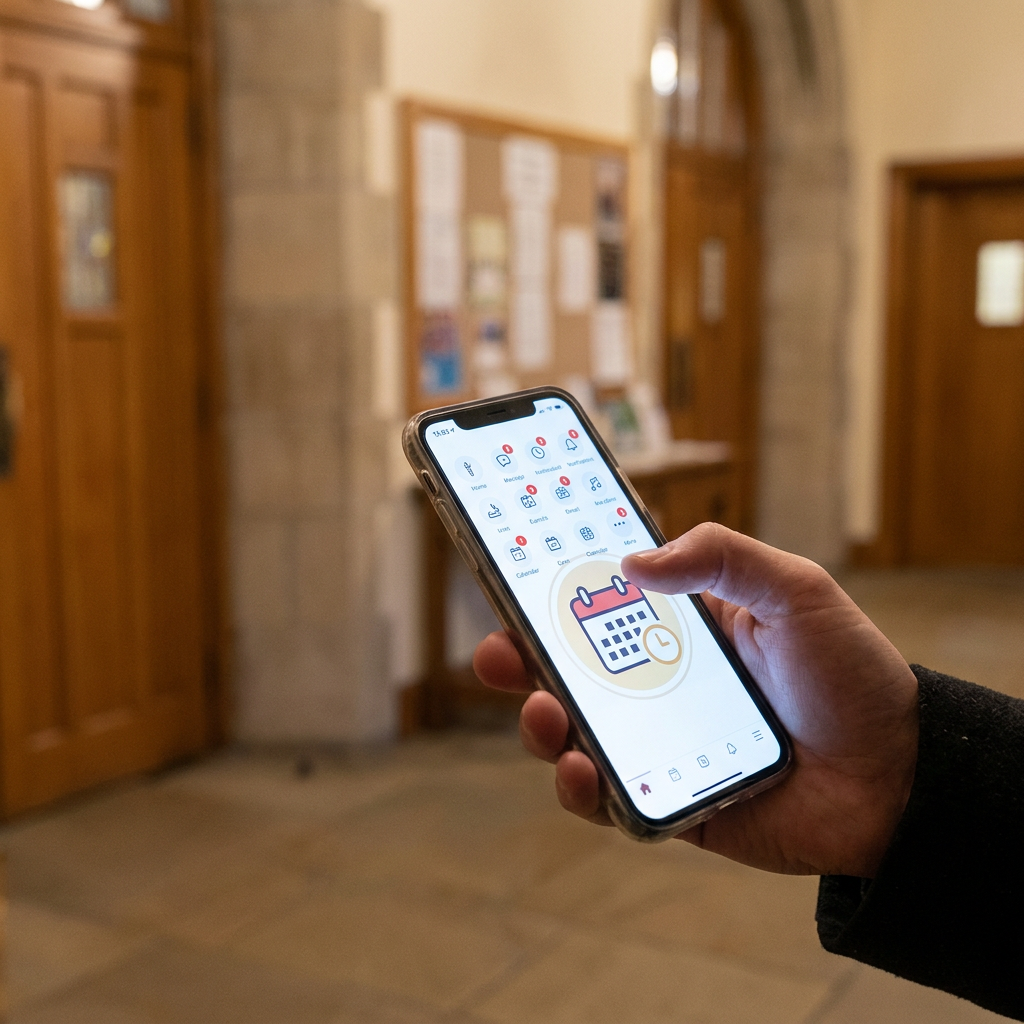
- Calendar and events: One place where people can discover what is coming up and register in a few taps.
- Sermons and media: Easy access to weekend messages and related resources.
- Giving: A secure, simple giving flow with recurring options.
- Groups and serving: Clear paths to join a group or sign up to volunteer.
- Push notifications: Timely reminders that help people act, not generic blasts.
These are not just convenience features. They are ministry pathways. The app should help someone move from passive attendance to active involvement.
Questions to Ask Every Vendor
Use the same checklist with every provider so you can compare fairly:
- How fast can our team launch a usable version?
- Can non technical staff update content without developer help?
- How does the app connect to our current church management system?
- What reporting is included for engagement and usage?
- What support response times are guaranteed after launch?
You should also ask what happens during onboarding. Good onboarding includes setup guidance, content migration support, and training for your communications and ministry leaders.
Integration Matters More Than Customization
Many churches get excited about custom design options and advanced modules. Those can be valuable later. Early on, integration quality matters more. If your app does not connect cleanly with your database, giving platform, and events process, your team will create manual workarounds that slow everything down.
This is similar to what churches face with CRM and follow up. If systems are disconnected, people fall through the cracks. If they are connected, ministry teams can act quickly and personally. You can see that dynamic in our CRM follow up breakdown.
Adoption Strategy: Launch Small, Then Expand
Do not treat app launch as a one day announcement. Plan for a 90 day adoption window. Start with one ministry area, collect feedback, and fix obvious friction before you scale church wide.
A practical rollout sequence looks like this:
- Weeks 1-2: staff and volunteer beta testing
- Weeks 3-4: soft launch to one group segment
- Weeks 5-8: church wide launch with clear action prompts
- Weeks 9-12: improvement based on usage data
During each phase, measure activation, return usage, and completion of key actions like event registration or group signups.
How to Measure Success Without Overcomplicating It
You do not need a giant analytics dashboard to know if the app is working. Track a few meaningful metrics each month:
- Monthly active users
- Event registrations started and completed in app
- Volunteer signups from app pathways
- Giving transactions initiated in app
- Push notification open and action rates
These numbers help you decide where to improve content, timing, and calls to action. If you want a broader framework for ministry momentum tracking, pair app metrics with the KPI approach in this digital evangelism KPI guide.
Common Mistakes to Avoid
The biggest mistake is launching with too many options and unclear next steps. People open the app once, feel lost, and do not return. Keep your home screen focused and action oriented.
Another common issue is using push notifications like announcements, not invitations. A strong notification points to one clear action, serves a real need, and respects attention.
Finally, do not assign app ownership to one person with no backup. Shared ownership between communications, discipleship, and operations creates better continuity.
Final Recommendation
If your church is evaluating platforms, pick the app that helps your team execute ministry basics consistently, not the one with the longest feature sheet. Start with what your people actually need this quarter, then expand as adoption grows.
When your team is ready, we can help you align app rollout with your full digital growth strategy, from website pathways to follow up systems. Explore how we support churches at Red Letter Connect.