

Many churches already produce one worship service for people who cannot attend in person. The challenge begins when that same service needs to reach several places at once: the church website, a mobile app, YouTube, and Facebook. Without a clear distribution plan, the tech team can end up managing separate links, separate start times, and separate audience expectations.
Multistreaming, sometimes called simulcasting, changes the distribution step. One encoded broadcast is sent to several destinations at the same time. The goal is not to make every platform equally important. The goal is to let people watch where they already are while keeping the church's own digital properties at the center of the experience.
Start with the destination strategy, not the software
A church can send a video to several destinations and still create a confusing experience. Before choosing a distribution method, decide what each destination is supposed to do.
Your website can be the primary home for worship because the church controls the surrounding information. A viewer can find service times, prayer requests, giving, next steps, and contact details without leaving the church's environment. The app can serve members who already use it for weekly communication. YouTube and Facebook can help people discover the service or join from the platforms they already check.
This distinction matters because social platforms are rented spaces. They are useful for reach, but the church does not control their algorithms, account policies, or presentation. A healthy distribution plan uses those channels as doors into the church's broader digital presence rather than treating them as the only archive. The same principle applies to a church's presence across multiple platforms: each channel should have a job.
How one broadcast reaches several places
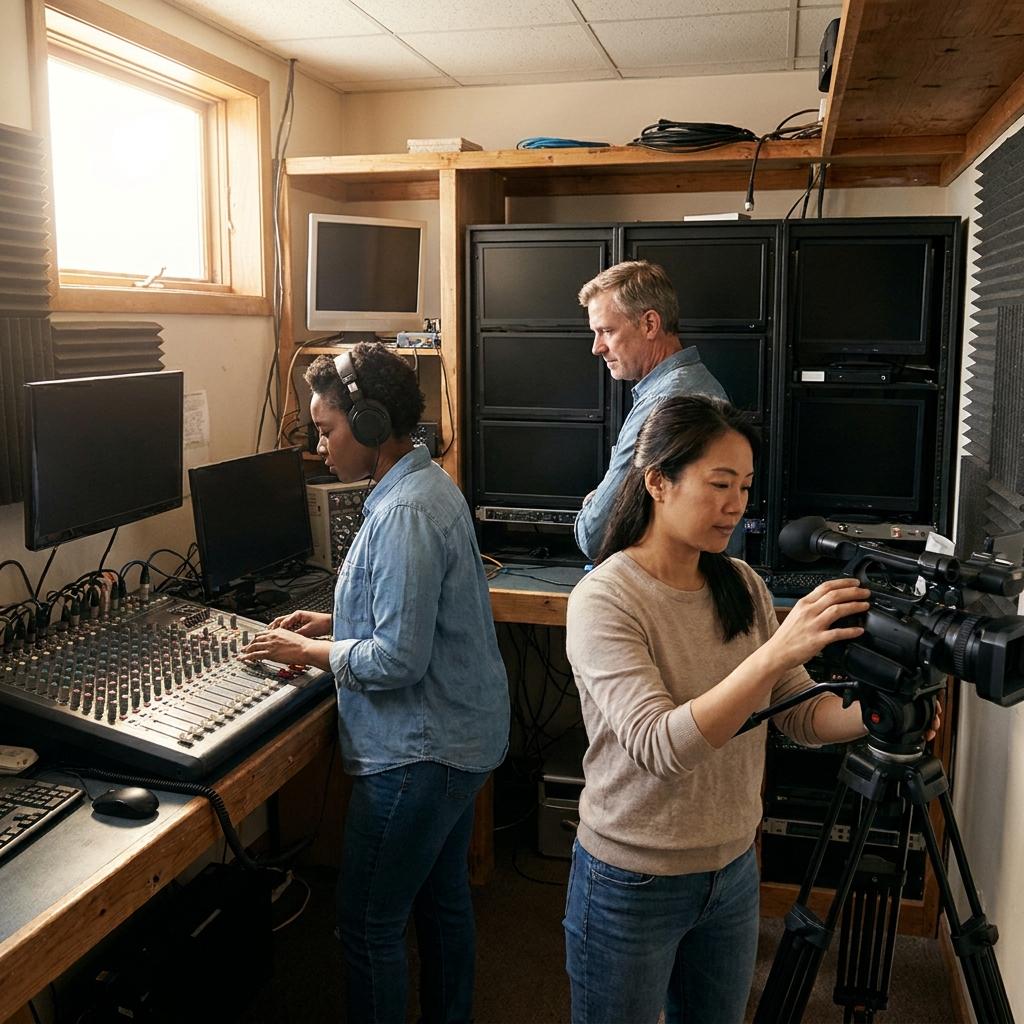
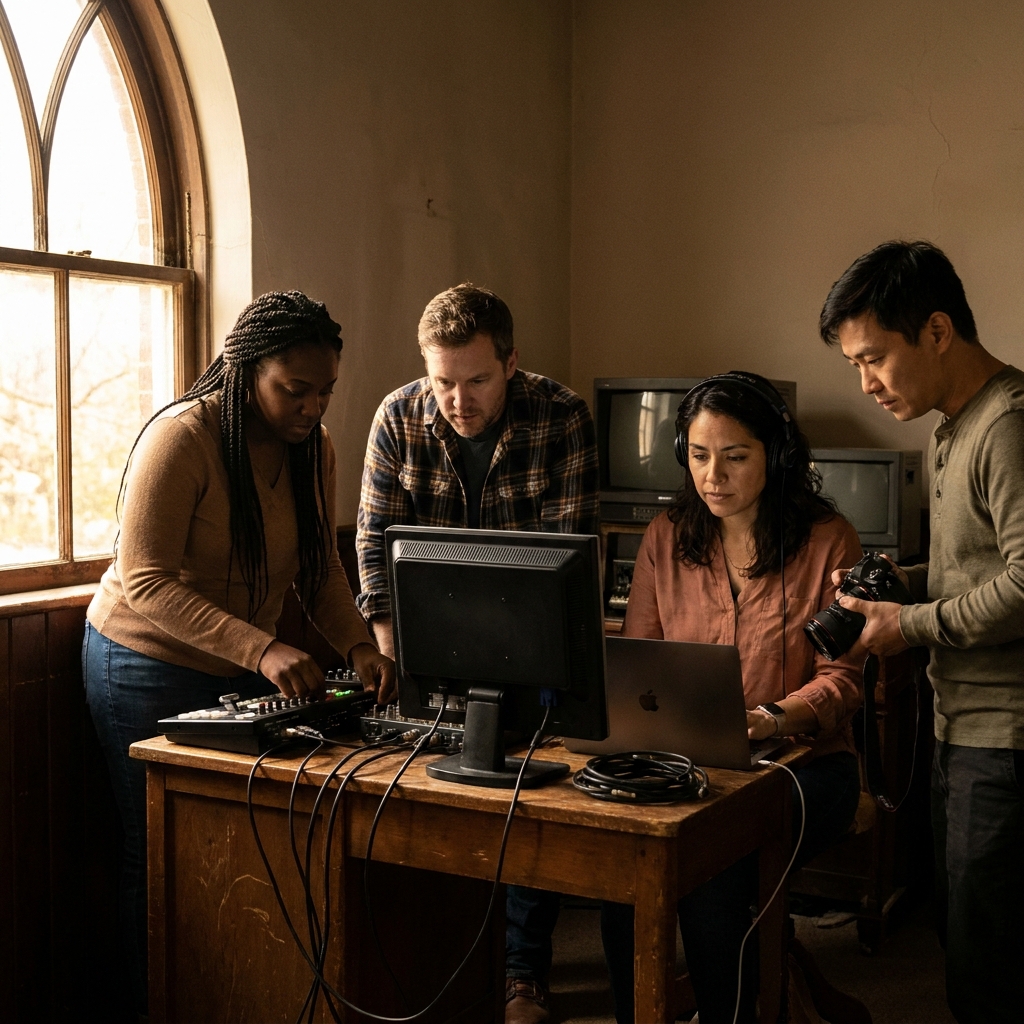
The basic workflow has four parts. A camera and audio system capture the service. An encoder compresses that feed into a stream that online services can receive. A distribution layer sends the stream to the selected destinations. Each destination then presents the broadcast to its own audience.
There are two common ways to handle the distribution layer. Some churches use a service that receives one stream and forwards it to several platforms. Others configure software or hardware to send separate outputs directly. Both approaches can work. The right choice depends on the church's internet connection, the skills on the team, the number of destinations, and how much troubleshooting the team can handle during a live service.
Sending one feed to a distribution service can reduce the upload burden at the church because the local encoder sends one primary stream. Direct outputs can give a technical team more control, but each destination adds another connection to monitor. In either case, the stream settings need to match what the receiving platforms accept. YouTube's encoder guidance, for example, calls for a stable connection, a configured stream key, and testing before going live.
The important design decision is to avoid creating four separate productions. There should be one source of truth for the video, audio, start time, title, and service status. The destinations are copies of that broadcast, not independent Sunday events.
Make your website and app the home base
Multistreaming works best when the church's website and app are ready before the broadcast begins. A link that says "watch live" should lead to a page that clearly identifies the service, shows whether the broadcast is live, and explains what someone can do if the stream has not started yet.
Keep the page useful after the service ends. The live player can become the replay player, with the service title, date, sermon details, and related next steps still in place. This gives people a consistent link to share before, during, and after worship. It also prevents the church from creating a new destination for every Sunday.
The app can use the same source while adding member-focused tools. A service reminder, sermon notes, a giving link, or a connection form can sit near the player. If the church uses an app, it should not become a second archive with different titles and missing recordings. Decide whether the website or the app owns the canonical replay, then connect the other destination to it.
A searchable archive makes this structure more valuable over time. Organize recordings by series, speaker, date, and topic so someone can find a message after the live moment has passed. A thoughtful YouTube strategy can support discovery, but the church should also make its own archive easy to browse and search.
Give the tech team one Sunday checklist
The point of multistreaming is to simplify distribution, not to add more last-minute decisions. Write one checklist that begins before the service and ends after the recording is confirmed.
- Before the service: Confirm the stream title, description, thumbnail, start time, destinations, and privacy settings. Check the encoder, audio levels, camera framing, and internet connection.
- During the pre-service window: Start the broadcast early enough for a team member to verify that the website, app, YouTube, and Facebook destinations are receiving the signal. Use a private or unlisted test when the platform supports it.
- At the start: Use one clear cue for the person starting the service and one person responsible for watching the outgoing stream. The person producing the service should not also be expected to troubleshoot every destination.
- During worship: Watch for dropped frames, audio problems, unexpected disconnects, and comments that indicate viewers cannot access the stream. Record the time of any interruption.
- After the service: Confirm that the replay is available, titles and descriptions are accurate, and the website and app point to the right recording. Save the final link in the church's content record.
Ownership matters as much as equipment. Assign a primary operator, a backup, and a person who owns the website or app update. If a volunteer leaves, another person should be able to follow the checklist without rebuilding the whole workflow from memory.
Plan for the differences between platforms
One source video does not produce an identical viewer experience everywhere. YouTube, Facebook, a website player, and an app can handle comments, captions, playback, privacy, and replays differently. Treat those differences as part of the plan.
Use a consistent service title so the audience recognizes the broadcast across destinations. Keep the description short enough to fit each platform, but include the same essential details: church name, service time, location or campus, and the best place to find the replay. If a platform requires a separate thumbnail or category, assign that task before Sunday morning.
Captions and audio deserve special attention. A stream may look fine while the spoken word is difficult to understand on a phone or through a small speaker. Test the audio on more than one device. If captions are generated automatically, review the replay when the message matters for accessibility or search.
Comments also need ownership. A social channel may receive prayer requests or questions while the website and app remain quiet. Decide who monitors public comments, what should be answered immediately, and what should be moved to a private pastoral conversation. The broadcast team should not be asked to make those decisions alone while also managing production.
Measure reliability before reach
It is easy to focus on the total number of viewers. A better first question is whether the service was available, understandable, and easy to find.
Track a small set of practical measures: whether each destination started on time, how often the stream disconnected, whether viewers reported audio problems, how many people watched the replay, and which destination sent people to the church's website or app. Compare those results over several weeks instead of reacting to one unusual Sunday.
When a problem appears, change one part of the system at a time. Test the internet connection, encoder settings, distribution method, player page, or destination account separately. A broad list of simultaneous changes makes it hard to know what fixed the issue.
The best multistreaming setup is not the one with the most destinations. It is the one the team can operate consistently, the audience can understand, and the church can maintain after the service ends. Start with the website and app as the home base, add the social destinations that serve your congregation, and document the workflow well enough that Sunday does not depend on one person's memory.
If your church is preparing for a simpler connected digital ministry system, learn how RLC One can bring your church's website, app, streaming, and communication tools together when it launches in January 2027.