


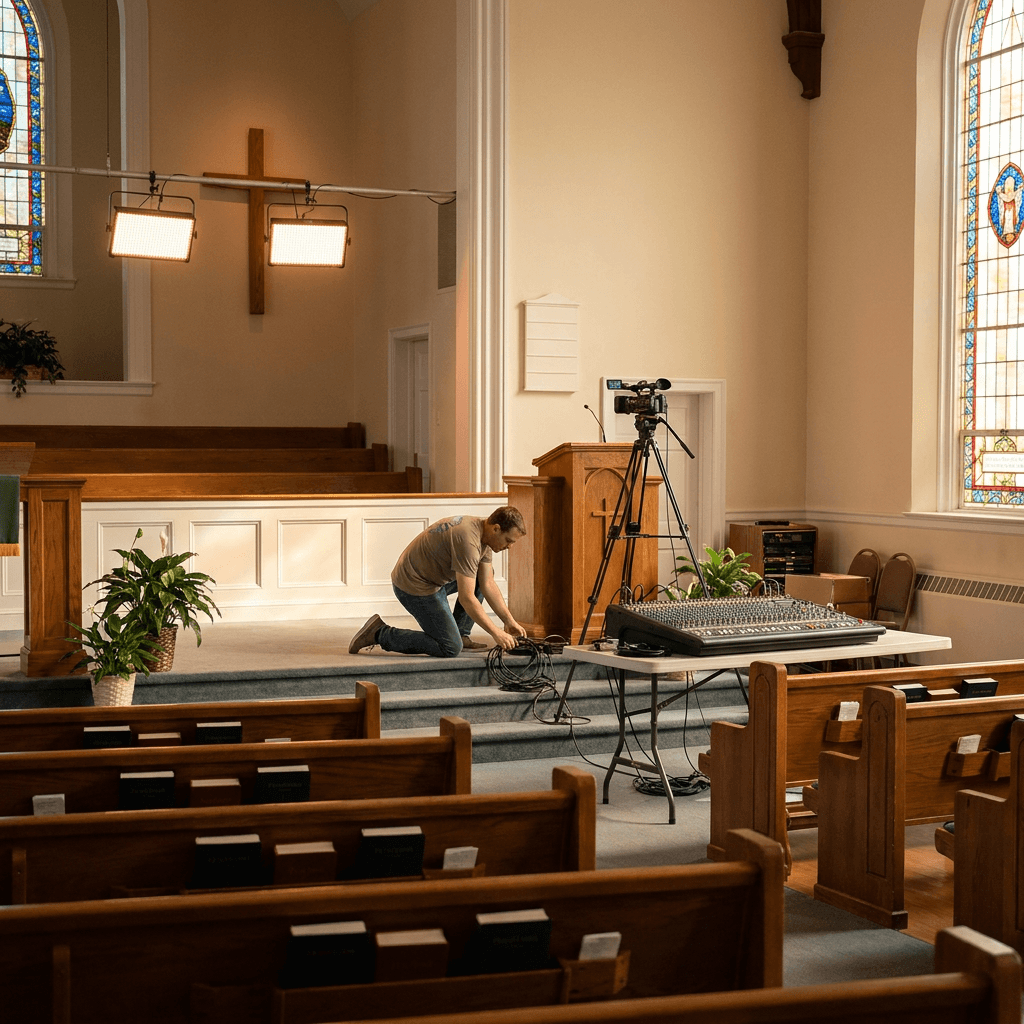
Most churches do not need a broadcast truck to serve people online well. They need a reliable setup that sounds clear, feels steady, and lets viewers focus on the service instead of fighting distractions. Good livestream production is less about buying the most expensive gear and more about building a system your team can repeat every week.
If your livestream feels inconsistent, the problem is usually not one magic missing tool. It is usually a chain of small issues, weak audio, bad camera placement, unclear volunteer roles, or a setup that changes every Sunday. If your team has already been thinking about how to engage your online congregation beyond the livestream, production quality is part of that foundation.
Start with the experience you want people to have
Before you compare cameras or switchers, define the outcome. Ask a simple question: what should an online attendee be able to do without friction? In most churches, the answer includes hearing the message clearly, following worship without wild volume swings, seeing the stage without awkward angles, and feeling like the service was prepared with care.
That goal keeps your decisions grounded. A small church streaming from one room does not need the same setup as a multisite church with a full production team. What matters is matching the system to your room, your volunteers, and your weekly rhythm. That same principle shows up in other ministry tools too, especially when churches evaluate technology that has to be dependable week after week.
Audio matters more than almost anything else
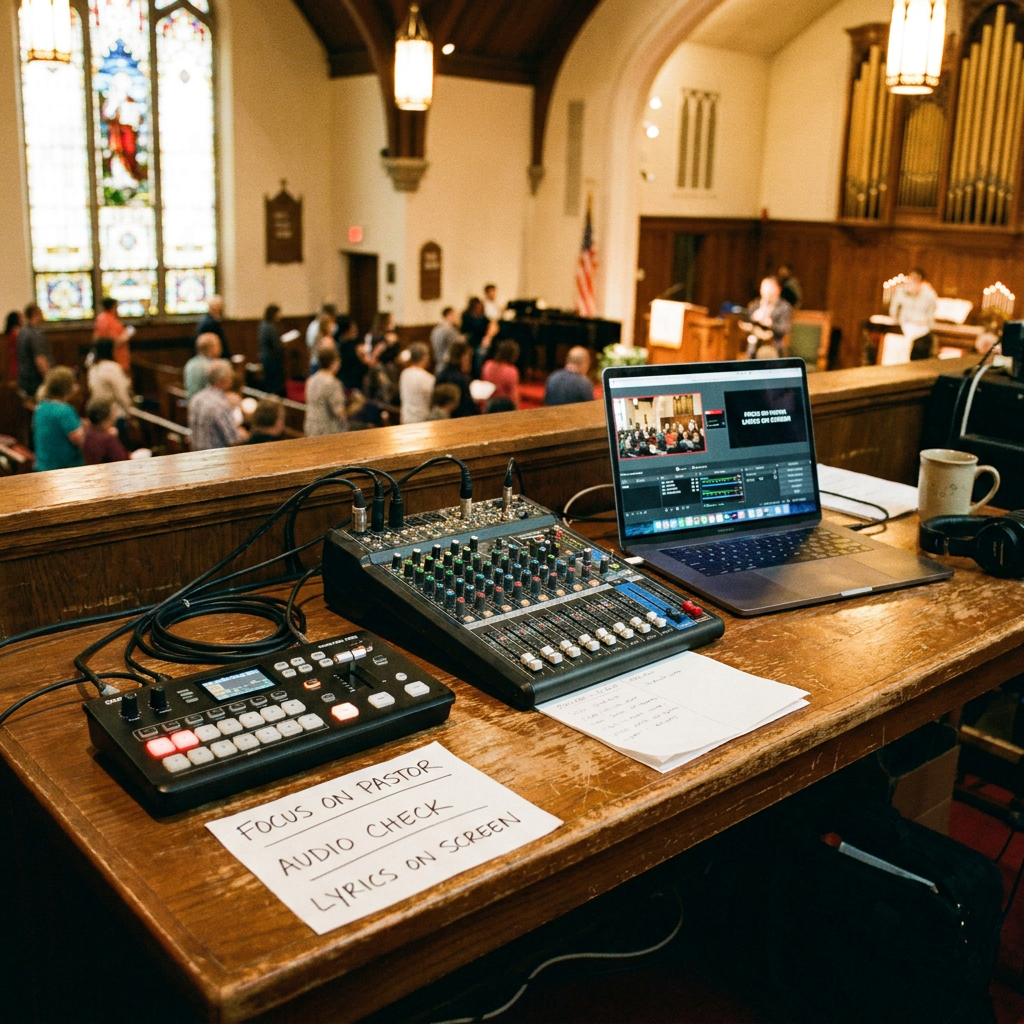
Churches often focus on cameras first because video looks more dramatic. Online viewers are usually more forgiving of average video than they are of muddy audio. If people cannot understand the sermon or if the worship mix sounds harsh and distant, they will leave quickly.
That is why audio routing deserves real attention. A sanctuary mix built for in-room speakers usually does not translate well to a livestream. The room can carry energy and low end in person, but the stream often needs a cleaner, more direct mix. Many churches do better when they create a separate stream mix or at least assign one volunteer to monitor the online feed with headphones during the service.
Microphone choices matter too. Clear speech from the pastor, readable vocal levels, and controlled instruments make a bigger difference than adding extra camera angles. If your team is trying to strengthen your church's broader communication habits, the same clarity principle applies to everything from announcements to a church communications plan people will actually follow.
Build the smallest gear package that solves real problems
A healthy church livestream setup usually has four core pieces: cameras, audio input, switching or encoding, and a stable internet connection. Beyond that, every extra tool should solve a specific problem. Do not add gear just because another church uses it.
For many churches, one or two well-placed cameras are enough. A locked wide shot can cover the whole platform, while a second tighter angle gives the stream more warmth and focus. If volunteers are limited, fewer cameras often produce a better result because the team can operate them confidently.
Your encoder or switcher should also fit your staffing reality. Some teams do well with an all-in-one hardware unit. Others prefer software on a dedicated computer because it gives them flexibility for lower cost. Neither approach is automatically better. The best choice is the one your volunteers can run without panic when something goes sideways.
Plan your setup around volunteers, not ideal conditions
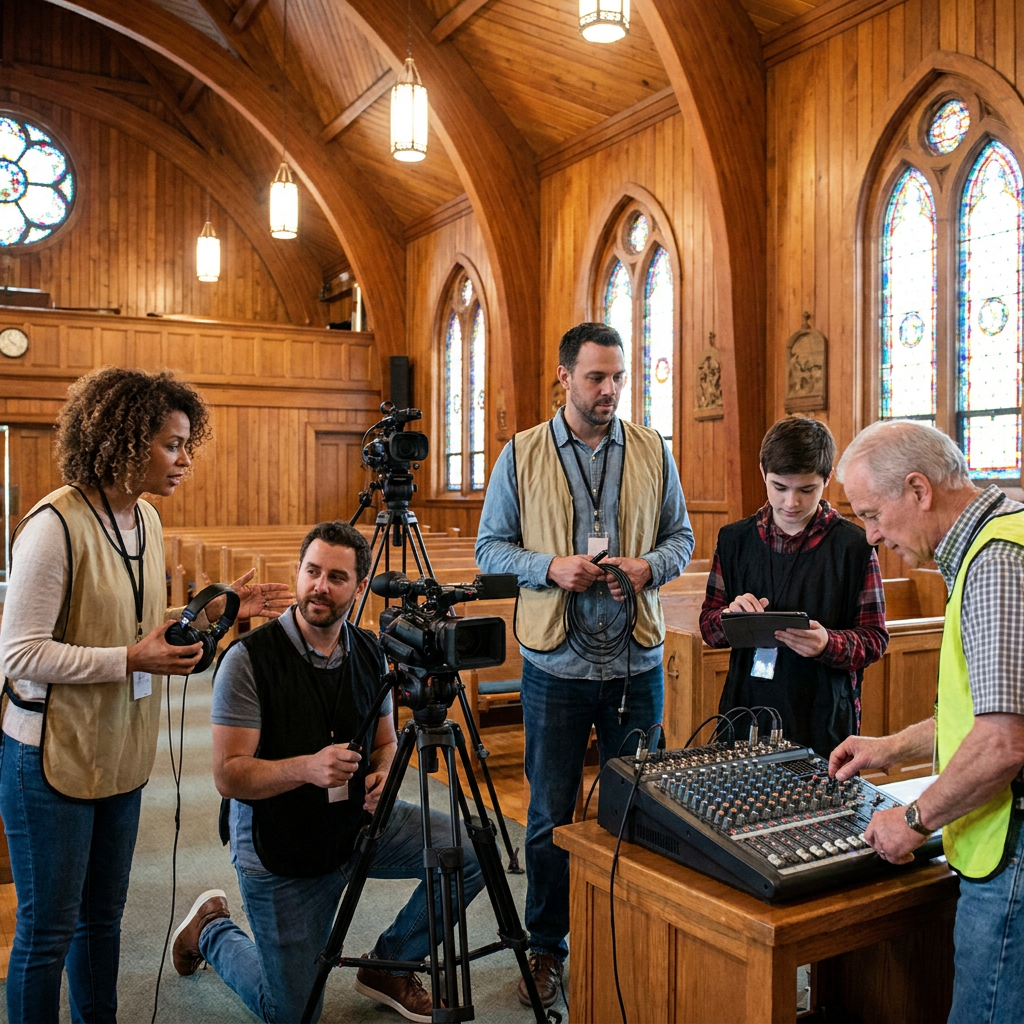
Many church livestream systems look good on paper and fall apart in real life because they assume perfect volunteers, perfect timing, and perfect troubleshooting. Most churches need a setup that works even when a volunteer is new, someone arrives late, or the worship set changes at the last minute.
That means labeling cables, saving repeatable scene layouts, creating a simple pre-service checklist, and reducing single points of failure where you can. A team member should know how to test audio, confirm stream health, and recover from a basic issue without chasing five different people. Small operational choices like these do more for consistency than another gear upgrade.
This is also where churches benefit from thinking in systems instead of one-off fixes. Teams that already create repeatable media workflows for content, announcements, or their church YouTube strategy usually adapt to livestream production faster because they document the process instead of relying on memory.
Camera placement, lighting, and framing shape how personal the stream feels
People do not expect cinematic production from a church stream, but they do notice when the image feels disconnected. A camera that is too far away can make the message feel cold. A shaky tripod or blown-out stage lights can make the whole service feel harder to watch than it should be.
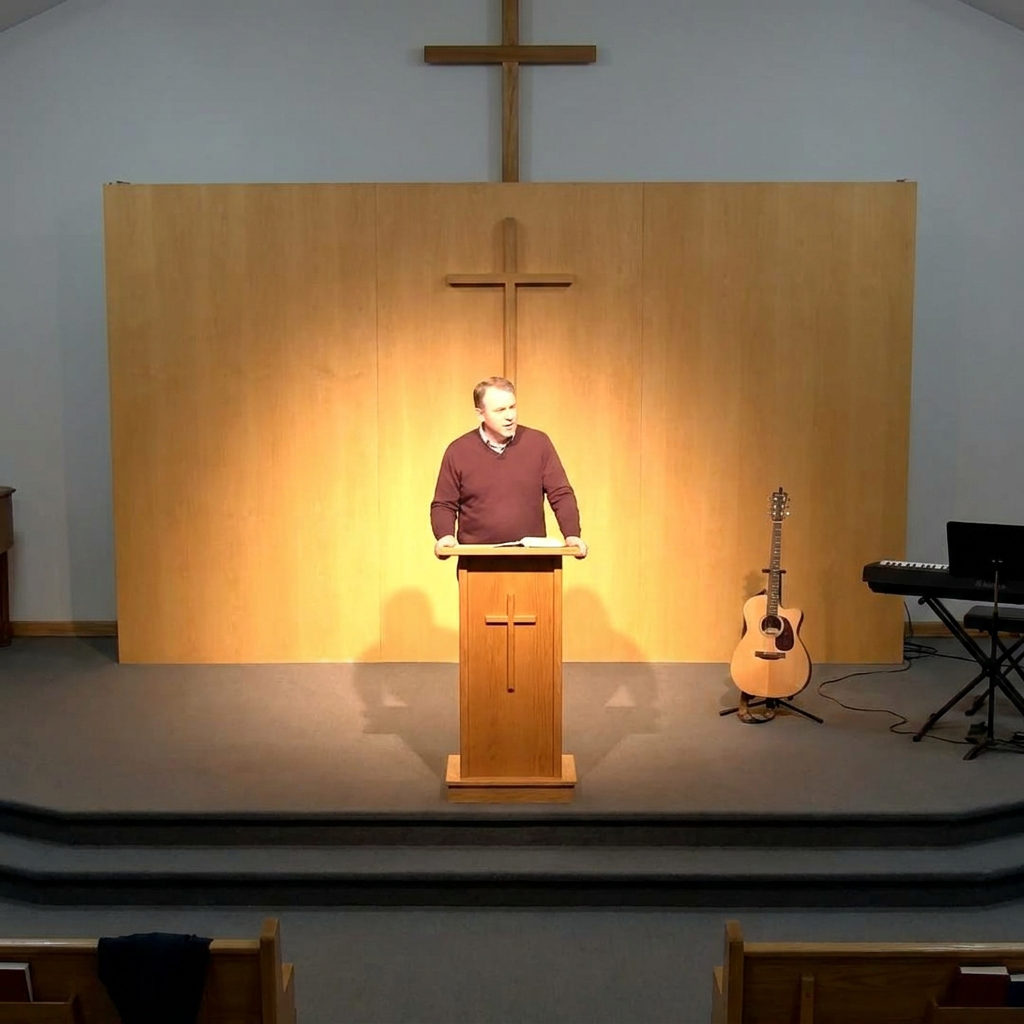
Try to place your primary teaching shot where viewers can see facial expressions without the frame feeling cramped. Watch the background too. Busy clutter, awkward stage edges, or distracting movement can pull attention away from the sermon. Lighting does not need to be dramatic, but it does need to be consistent enough that faces are visible and skin tones look natural.
Measure success by consistency, not complexity
A good church livestream is not the one with the most gear. It is the one that works reliably, helps people stay engaged, and reduces preventable stress for the team. Clear sound, intentional framing, simple volunteer roles, and documented workflows usually beat a complicated setup that only one person understands.
If your church is evaluating how your digital presence supports real ministry, livestream production is worth treating like a ministry system, not a side hobby. Start with the bottleneck that affects viewers most, improve one layer at a time, and keep the setup simple enough to repeat well. If you want a clearer picture of how your website, video, and communication systems fit together, you can explore Red Letter Connect's church marketing services to see what strong digital ministry infrastructure can support.