

Digital MarketingChurch Technology

Why Your Church Needs SEO (And How to Know If It's Working)

Red Letter Connect
5 min read
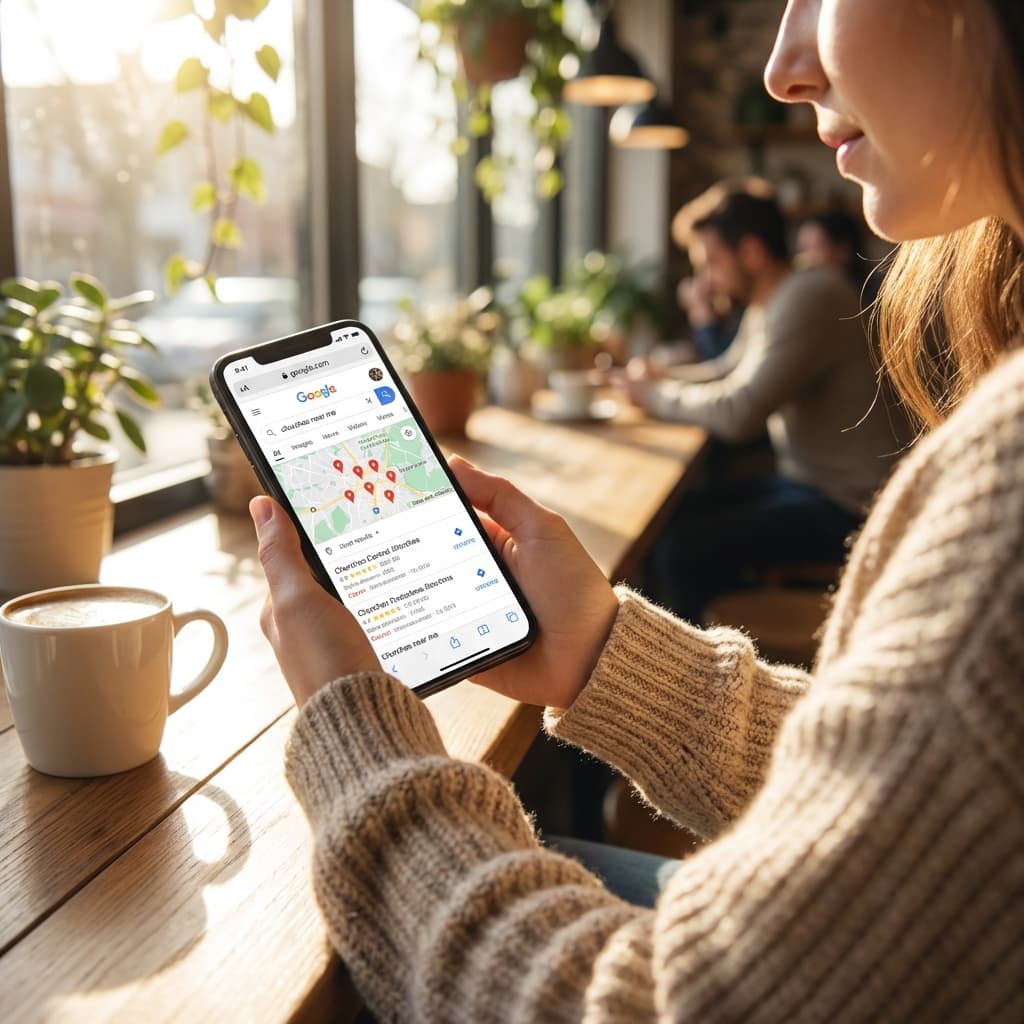
A person searching for churches on their phone in a coffee shop

When someone in your town types "churches near me" into Google, what happens? If your church doesn't show up, that person will never know you exist. They'll visit the church that did show up instead.

That's SEO in a nutshell. Search Engine Optimization is just a technical way of saying: "making it easy for people to find you on Google." And for churches, it might be the single most important thing you're not paying attention to.

Why SEO Matters for Churches

Here's the reality: the way people find a church has changed. Twenty years ago, someone new to town would drive around looking for steeples or ask a neighbor. Today, they pull out their phone. They search. They scroll. They click.

Google processes billions of searches per day, and a significant chunk of those are local. "Churches near me." "Sunday service times in [city]." "Youth programs for teenagers." "Grief support group." People are actively looking for exactly what your church provides. SEO is how you make sure they find you when they look.

This isn't about marketing tricks or gaming some algorithm. It's about being visible when people are already searching for what you offer. Think of it as putting up a clear sign on the busiest road in your community, except the road is Google.

The Building Blocks of Church SEO

A laptop showing analytics charts and graphs on a desk with coffee and glasses

You don't need to become a tech expert to understand what makes SEO work for a church. There are a few core areas, and each one is more straightforward than it sounds.

Page Titles and Meta Descriptions

When your church appears in Google results, people see a blue clickable title and a short description underneath it. These are your page title and meta description. They're your first impression, and most church websites either leave them blank (letting Google guess) or use the same generic title on every page.

A good page title includes your church name, your city, and something that tells people what to expect. "Grace Community Church | Welcoming Families in Springfield, OH" works a lot better than just "Home."

The description below it should be a warm, one-sentence summary that makes someone want to click. Think of it as your elevator pitch to a stranger who is actively looking for a church.

Local SEO and Your Google Business Profile

For churches, local SEO is probably the most important piece. When someone searches for a church, Google prioritizes results that are close to the searcher. Your Google Business Profile is the single biggest factor in whether you show up in those results.

Your Google Business Profile (the box that appears on the right side of search results, or in Google Maps) controls what people see: your address, phone number, service times, photos, and reviews. If you haven't claimed yours yet, that should be your first priority. It's free, it takes about an hour, and it has an outsized effect on how visible your church is in your community.

One small detail that trips up a lot of churches: consistency. If your address is listed as "123 Main Street" on your website but "123 Main St." on Google and "123 Main St, Suite A" on Facebook, Google gets confused. Pick one format and use it everywhere.

Your website is one of the main ways your church brings good news to your community today. Making sure Google can find and share it is part of that mission.

Website Speed

If your website takes more than three seconds to load, more than half of visitors will leave before it finishes. Google knows this, and it factors speed into how it ranks your site. Slow websites get buried in search results.

Common speed problems for church websites:

  • Large photos that haven't been compressed. That beautiful sanctuary photo might be a 5MB file that takes seconds to download on a phone.
  • Too many plugins. Every added feature (event calendars, donation widgets, social feeds) adds loading time.
  • Budget hosting. Inexpensive web hosting can mean slow server response, especially on Sunday mornings when people are checking service times.

The majority of people searching for churches are on their phones. A fast website isn't just good for SEO. It's good hospitality.

How to Know If Your SEO Is Working

This is where an assessment comes in. You can have a general sense that things are fine, but without actually measuring, you're guessing. Here are the things worth checking:

Are you showing up in search results? Open an incognito browser window and search for "churches near me" from your church's zip code. If you're not in the first few results, there's work to do.

Is your Google Business Profile complete? Check that your hours, photos, description, and contact info are all current. Ask a few members to leave honest reviews.

How fast is your website? Google offers a free tool called Lighthouse that scores your website on performance, accessibility, best practices, and SEO. Each category gets a score from 0 to 100. Don't panic if the numbers are low. Most church websites score between 30 and 60 on performance, which means there's plenty of room to improve with relatively simple fixes.

A website performance dashboard showing Lighthouse scores for Performance, Accessibility, and Best Practices

Lighthouse scores are especially useful because they tell you exactly what to fix. A low performance score will list the specific images that need compression, the scripts that are slowing things down, and the changes that would have the biggest impact.

Why Regular Check-ups Matter

SEO isn't a set-it-and-forget-it situation. Google changes how it ranks websites regularly. Your competitors' websites change. Your own website changes as you add events, update pages, or swap out photos. What worked six months ago might not be working now.

Checking in on your SEO a couple of times a year is a good habit. It doesn't have to be complicated. Search for your church, look at your Google Business Profile, run a quick Lighthouse test, and see if anything has slipped. Think of it like a routine check-up for your church's online health.

Where to Start

If this is all new to you, here's a simple starting point:

  1. Claim your Google Business Profile if you haven't already. This is free and has the highest impact for the least effort.
  2. Search for your church in an incognito window. See what comes up and whether the information is accurate.
  3. Run a Lighthouse test on your website. Google "Lighthouse test" and use the web version. The scores will tell you where to focus.
  4. Compress your images. This is the single easiest speed fix. Free online tools can shrink your photos by 70% without visible quality loss.

Each of these takes less than an hour. Together, they can significantly change how many people in your community discover your church online.

Want a deeper look at where your church stands? A free marketing audit covers all of this and more, so you know exactly what's working and what to tackle next.

#church SEO#SEO assessment#church marketing#Google Business Profile#website speed#local SEO#church website

Want Help Putting These Ideas Into Action?

Get a free marketing audit and see exactly where your church can grow its digital reach.

Get Your Free Marketing Audit